NabWP is our managed hosting product built around WordPress. It combines the hosting environment with a dedicated WordPress Manager, AI tools for creating and improving a website, and a WordPress AI Engineer that can investigate technical problems and carry out supported changes. The purpose is to make building, maintaining and developing a WordPress website easier from the same client-area workspace.
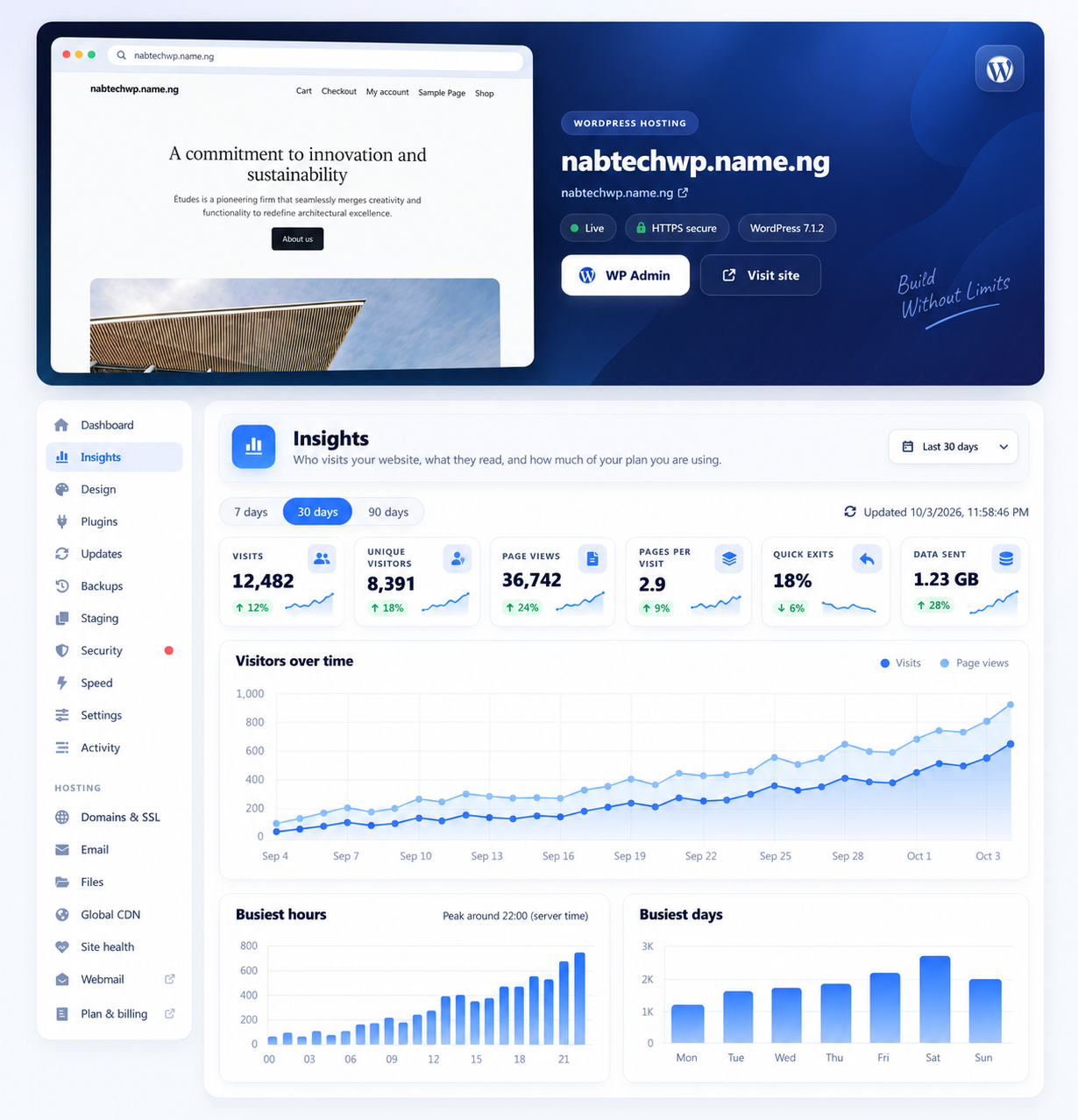
The NabWP WordPress Manager, as featured on our managed WordPress hosting page.
IN THIS ARTICLE
01 Create and maintain WordPress in one workspace
The WordPress Manager brings together site administration, plugins, themes, updates, backups, staging, security, performance information and maintenance tools. Available operations depend on the selected plan and the tools enabled for the website. You can use the dashboard for routine tasks, open WordPress administration for normal editing, or ask the Engineer to inspect a specific issue. This gives beginners a clearer starting point while preserving useful workflows for developers.
NabWP also includes a native AI website creation experience. You can describe your business and create pages using editable WordPress blocks, then refine the content and design. Other AI tools can draft articles, improve existing writing, help fill missing SEO descriptions and produce translated drafts. The Engineer handles a different kind of work: tracing errors, examining files and settings, helping with code and checking the results of an approved change.
02 Decide what to do first in NabWP
- For a new service, finish any Set up my WordPress steps before trying to edit the website. Installation readiness and completion of an order are separate states.
- For an existing site, inspect its theme, plugins and backups first. Choose a targeted improvement when the present design already serves the business.
- Use AI website for creation and writing, WordPress administration for ordinary editing, and AI Engineer for a technical investigation.
WordPress hosting can range from an ordinary compatible hosting account to a managed service with dedicated tools. NabWP is our managed product. Its WordPress builder and Engineer share the daily AI allowance belonging to the hosting service; opening another website or tool does not create a fresh allowance.
03 Example: your first useful session in NabWP
For a new business website, first open the eligible NabWP service, complete any pending WordPress setup, and confirm the website selected in the Manager. Choose one useful first outcome instead of starting several unrelated AI tasks at once.
First outcome: prepare a five-page business website.
Workspace: the selected new, access-protected WordPress site.
Creation tool: AI website, using an accurate business brief.
Review: pages, navigation, contact details and mobile layout.
Technical help: AI Engineer for one clearly described problem.
Eligible services receive 5 free AI credits daily. The builder and WordPress Engineer share that service’s allowance, so opening another website does not create a second balance. A build can involve several requests; check actual usage and continue an interrupted build when the tool offers that option.
Expected result: You have a reviewed starting website and a clear next action. Contact forms, payments and other integrations are tested separately before launch, and the existing service allowance is understood as credits rather than a promise of five completed repairs.
Can I still manage my own WordPress content and extensions?
Managed hosting does not remove your control over the site or the need to review important business decisions. You still choose your content, approve appropriate changes, maintain required software licences and check customer-facing functions such as forms and checkout. We recommend NabWP when WordPress is central to your project and you want its management and AI assistance brought together. You can explore it through our 7-day free trial and choose a plan suited to your site count and workload.