Our NabWP AI website builder uses a short business brief to create a coordinated starting website inside WordPress. It prepares pages using editable WordPress blocks, combines suitable sections and writes initial copy around the information you provide. You receive a website you can continue developing in WordPress, with a structure that makes the first round of design and writing much easier.
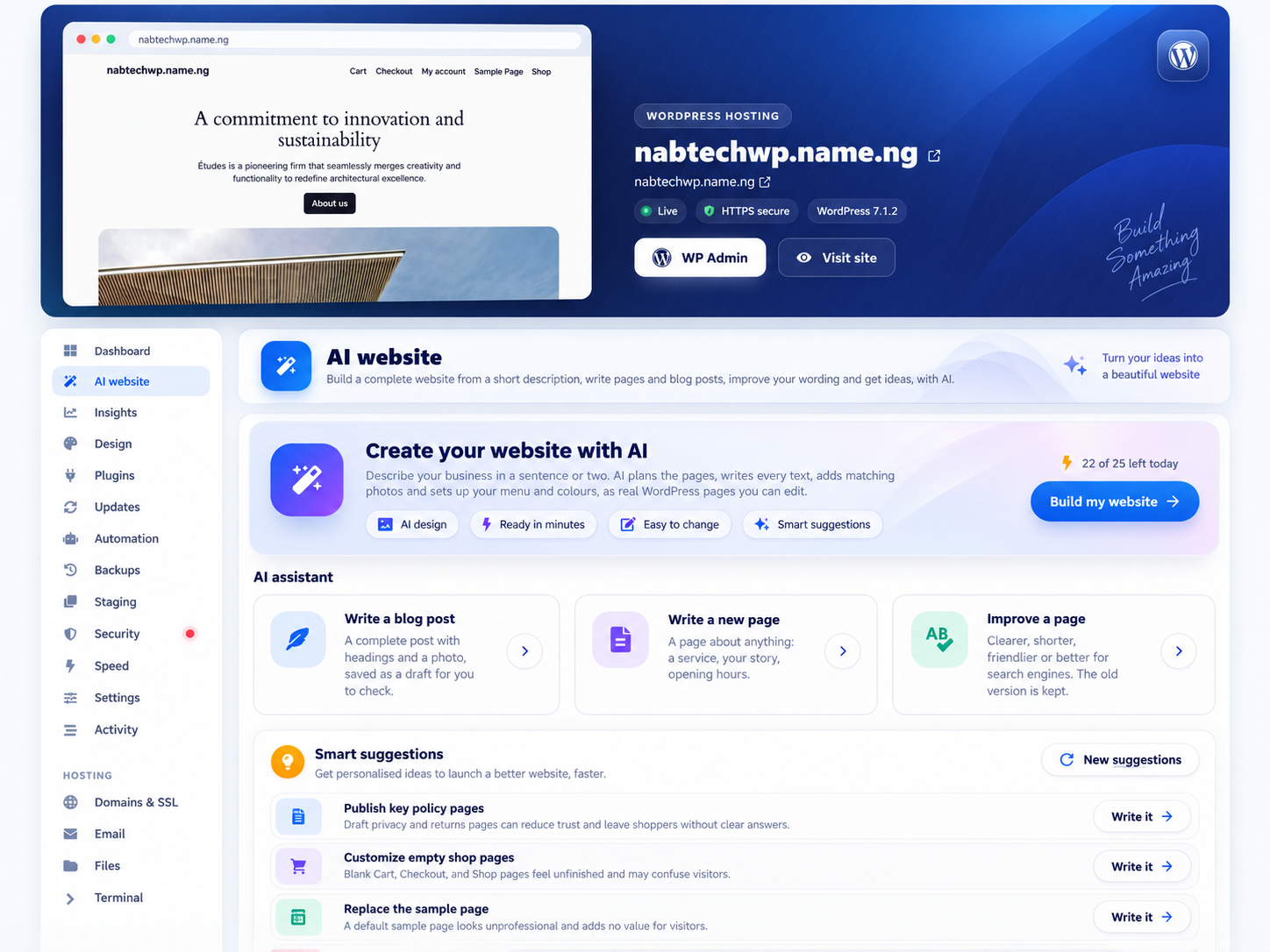
AI website creation on NabWP. Generated websites remain editable in WordPress.
IN THIS ARTICLE
01 Choose a suitable place to build
Use a fresh, access-restricted website or a staging copy when exploring a complete new design. The full builder prepares its supported block theme and creates published pages as it works, so it can change an established website's live appearance before the whole build finishes. A rebuild option can also replace earlier builder-created pages. Take a backup, check access restrictions and understand that scope before starting. Saving an individual AI-written article as a draft is a separate workflow.
02 Prepare your business brief
Start by describing what your business does, who you serve and what visitors should do next. Include your business name, genuine contact details, main services and preferred tone. Select the additional pages that suit your project, such as About, Services, FAQ, Contact, Gallery or Team. A restaurant might describe its food, location and booking goal; a consultant might explain the problems they solve and the type of enquiry they want.
03 Review the build and finish the customer journey
The builder plans the website, creates its pages in stages and finishes the website identity, navigation and visual style. Where the configured photo service is available, it can add relevant stock imagery. Missing business facts may appear as placeholders for you to complete. Review every price, address, testimonial and claim before allowing customers to rely on the content.
After generation, add your own brand assets and verify the actual customer journey. A contact section, newsletter layout or shop-themed page still needs the appropriate working forms, integrations or store configuration. We give you a practical foundation for launch, with room for your own decisions and refinement.
04 Example: a complete brief for the NabWP AI builder
Use a fresh access-protected site or suitable staging copy for a full build. The example business below is fictional. Replace its details with facts you have verified, then choose the supported pages and preferences in the builder.
Business: Example Studio, a small design company.
Audience: local businesses needing clear, professional branding.
Services: logo design, brochures and simple business websites.
Pages: Home, Services, About, FAQ and Contact.
Main action: request a project quote.
Tone: confident, helpful and easy to understand.
Design: navy and teal, generous spacing and editable WordPress blocks.
Homepage: introduction, services, working process and quote enquiry.
Use placeholders for contact details I have not supplied.
Do not invent prices, testimonials, awards or delivery guarantees.
The builder can activate its supported theme and publish pages while it works, so access protection matters before generation starts. Review the completed navigation, business claims and mobile layout, then configure the real enquiry form.
Expected result: The site reflects your supplied business facts and has a clear customer journey. Placeholder details are replaced and tested before the website becomes publicly available.
What should I do when an AI website build stops partway through?
- Choose Build my website, supply accurate business facts and select the pages, tone and colours for the project.
- Review Replace the pages AI built last time before starting. When selected, this can move earlier AI-generated pages to the bin.
- Use Continue building for an interrupted build when offered, rather than immediately starting another complete generation.
The current build uses a supported block-theme foundation and can activate that theme. It creates published pages during the process, so a fresh site should be protected while being prepared. The WordPress AI builder and Engineer share the service's free daily allowance; a build can require several requests and may need continuation.